The birthday app for iPhone
Never forget a birthday again.
Russ is a walrus with a perfect memory. He keeps everyone’s birthday, taps you on the shoulder two days before, and has a card ready to send. You just show up.
- No account
- No ads
- Nothing collected
Go on, tap me.
How it works
Russ remembers. You get the credit.
-
Two days before, a tap on the shoulder.
Not a feed, not a nag. One notification, early enough to actually do something about it.
-
The card’s already made.
Their name, the right number of candles, moving. Twelve designs, and Russ picks one that suits them.
-
Write it now. He brings it back on the day.
Seal a note on Monday and it’s waiting, addressed, on their birthday morning. One tap to send.
The Ask
One link. Everyone’s birthday.
Drop one link in the group chat. Everyone adds their own birthday on their own phone — sealed before it leaves, so only your Russ can read it. Flat-share, uni group, five-a-side team: sorted before the pizza arrives.
4 friends answered
Your turn
Be the friend. It takes ten seconds.
This is the friend’s side of the Ask. Add your birthday and watch Russ write it down. Nothing you type here leaves this page.
I’m all ears. Technically, I don’t have any.
Russ’s ledger
- Lena
- Jonas
- Ana
- Sam
Now picture the whole group chat doing that.
Birthday cards
Twelve cards. Every one of them alive.
Balloons that bob, a candle that flickers, confetti that actually falls. Each card plays by itself in Messages, WhatsApp and wherever your people are.
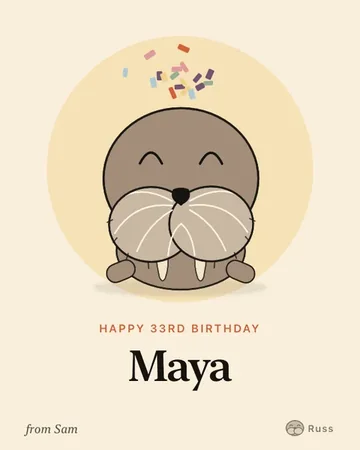 Puhh
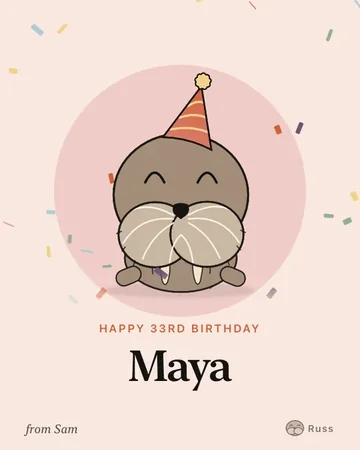 The hat
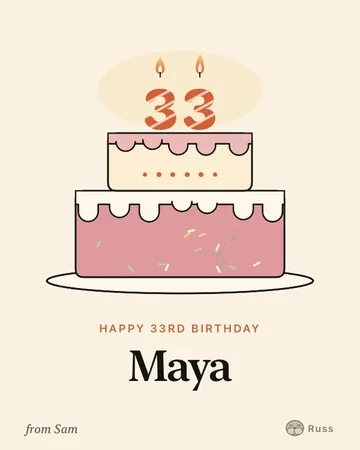 A proper cake
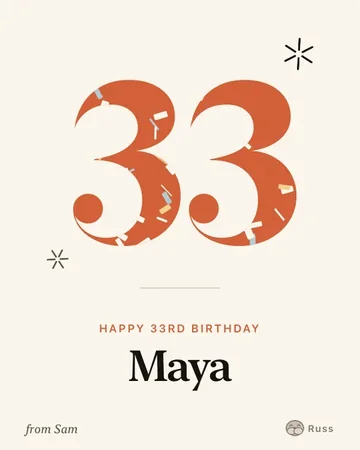 The number
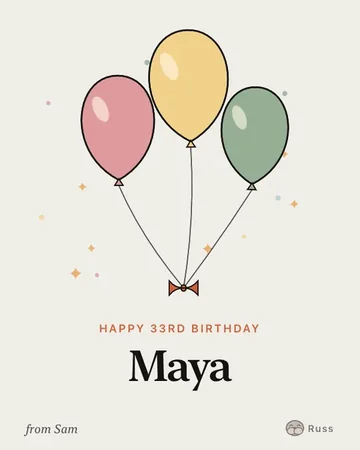 Three balloons
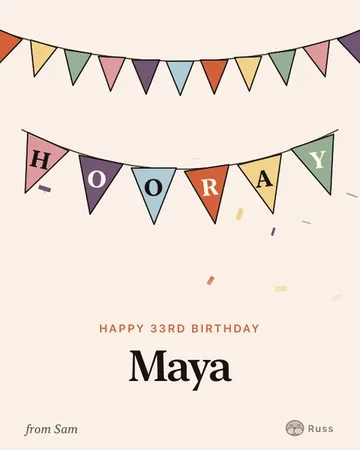 Hooray
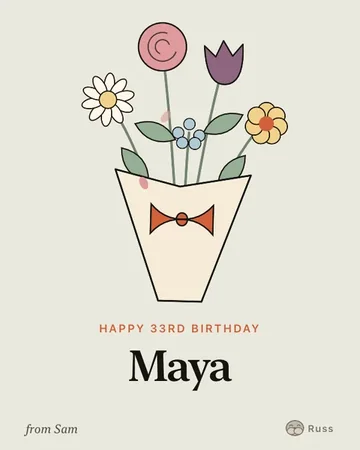 A small posy
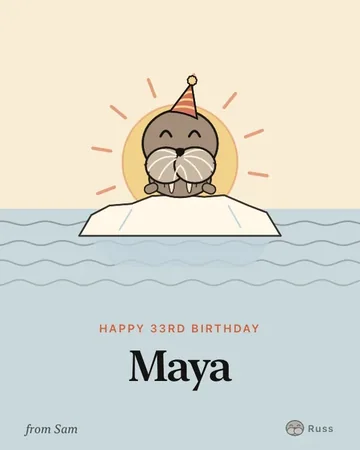 A bright day
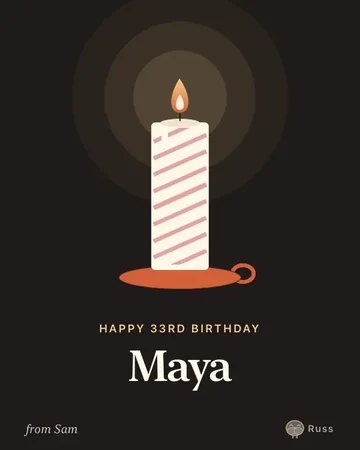 A candle for you
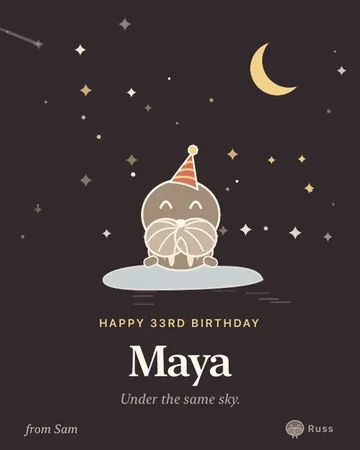 Same sky
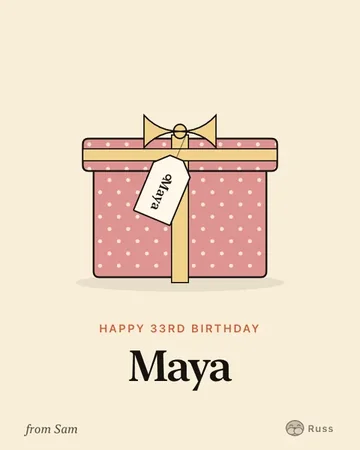 A little parcel
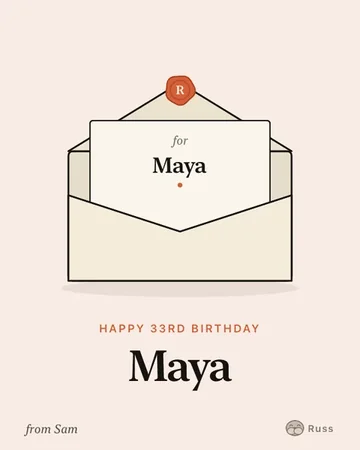 A note in the post
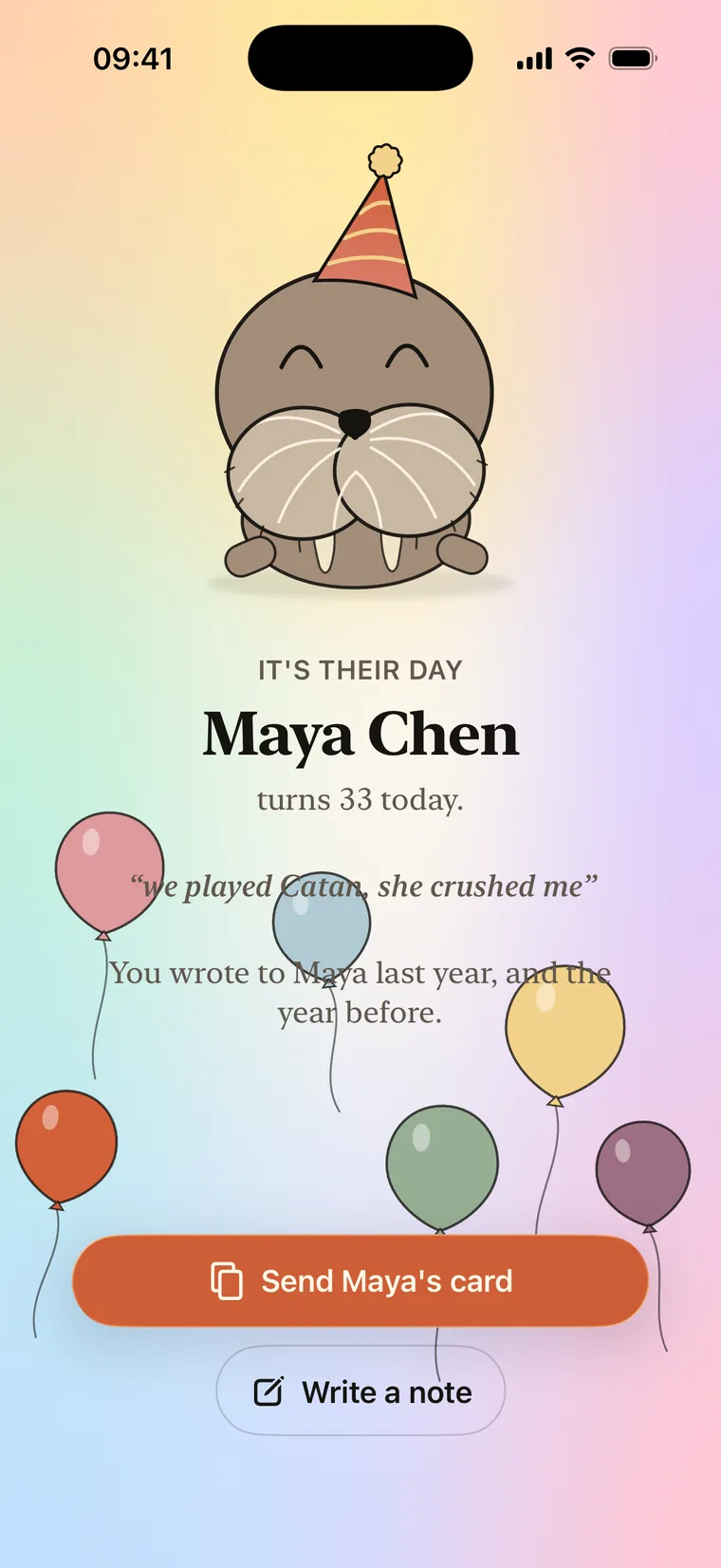
On the day
On the day, a small party.
Russ puts his hat on straight, the balloons go up, and their card is one tap away. Send it, call them, or just say happy birthday in person — he’s only here to make sure you do.
Everywhere you look
On your Home Screen, Lock Screen, and in Siri.
-
Up Next
The next birthday, and Russ ready for it.
-
Ask Siri
“Whose birthday is next?” works by voice, in Shortcuts and in Spotlight.
-
Lock Screen
A glance tells you who’s coming up, without unlocking a thing.
Privacy
Russ collects nothing.
The people you love aren’t data. Their names and birthdays live on your iPhone, and Russ sends nothing anywhere by himself.
No account
Open it and start. No sign-up, no email, no password.
No ads, ever
Not the polite kind. Not the “promoted card” kind.
Sealed end to end
Memories, gift ideas, notes and friends’ answers are encrypted with a key only your phone holds.
Contacts stay put
Russ reads birthdays on your iPhone. Your address book never leaves it.
For the people you’ve lost
Some days are quieter.
Mark a day as a memorial and Russ takes his hat off. No confetti, no cards — a small light, and a note to someone who misses them too.
Questions
Asked, and answered plainly.
Can Russ send birthday messages automatically?
Not by himself — iPhone doesn't let apps send messages on their own, and Russ wouldn't want to. What he does is make sending a single tap: every birthday arrives with a card already made, and any note you sealed earlier is waiting, addressed and ready. If you'd rather it went with no tap at all, a Shortcuts automation can send the notes you sealed, on the day, and only those.
Where does Russ get birthdays from?
From your contacts, if you like — they're read on your iPhone and you choose who to keep — or add anyone by hand in a few seconds. Or ask: send one link to a friend or a group chat, and each person adds their own birthday, sealed so only your Russ can read it. The year of birth is optional; without it, Russ simply never guesses an age.
Do the cards work outside Messages?
Yes. A card is an ordinary animated image, so it plays by itself in Messages, WhatsApp, Signal, Mail and most places people write to each other.
What about people who have died?
Mark their day as a memorial and Russ treats it with the quiet it deserves: no hat, no confetti, no cards. A candle, and a note to someone else who misses them too.
Does Russ sync with iCloud?
If you want it to. Sync across your iPhone, iPad and Mac is off until you turn it on, and memories, gift ideas and sealed notes stay end-to-end encrypted when it is.
How do I get my friends’ birthdays?
Ask for them. Russ makes you one link — drop it in a group chat or send it to anyone, and each person adds their own birthday on their own phone. It’s sealed before it leaves, so only your Russ can read it, and it lands in your ledger by itself. You can also bring birthdays in from your contacts, on your iPhone.
Is Russ free?
Remembering is free, forever: everyone in your ledger, every reminder, iCloud sync, sealed notes, sending, and the card Russ picks for each birthday. Russ+ adds the whole box of cards to choose from, photos in the envelope, and sending sealed notes by itself on the morning — €19.99 a year with the first month free, or €49.99 once. No ads, no nagging, nothing that renews without a reminder first.
Is there an Android version?
Not yet. Russ is made for iPhone, and made to feel at home there — widgets, Siri, the Lock Screen and all.
Which iPhones does Russ run on?
Russ is built for iOS 26, and made to feel at home on every iPhone that runs it.
Russ will remember.
You just show up.
For iPhone with iOS 26. Remembering is free, always.